7.9 Media Item Appearance Preferences
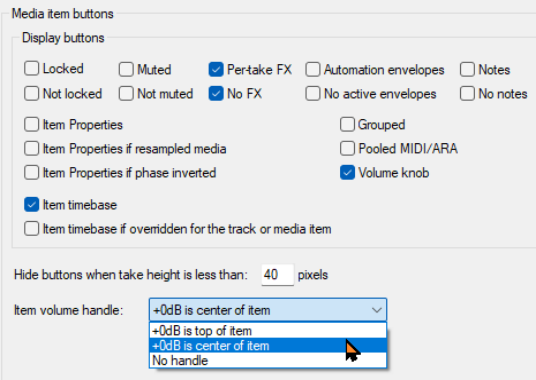
Your Appearance, Media and Appearance, Media Item Buttons settings (Chapter 22) determine how items are displayed in arrange view.
Kind: concept (user-guide-section) Chapter: 7 Managing and Editing Media Items Source: REAPER User Guide v7.70
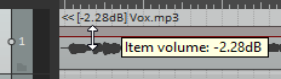
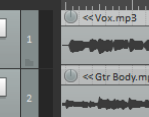
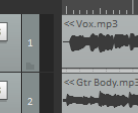
Your Appearance, Media and Appearance, Media Item Buttons settings (Chapter 22) determine how items are displayed in arrange view. Note: Media item labels (including pitch/playrate and gain) can be displayed, within (as shown here, left) or above the media item. You may also show the item pitch/playrate and/or the item gain (if any). Another feature is Item volume handle. This is shown by default as a bar which can be dragged up/down to adjust its volume. Hover the mouse over the top edge of the item to display a vertical double-headed arrow (see below). To raise the level above 0.0 dB hold Shift while dragging up.
The level can be shown by a line on the top or middle of the media item, or a knob, or both. Get to know the Media item buttons which can be displayed above the media items. These include the items’ locked status, its mute status, show FX, automation, notes and item properties. Buttons can be used, for example, to toggle an item’s mute state on and off, or to open its FX chain window. A locked item cannot be moved or deleted, but its properties can be modified. The Notes button opens a window. You can type notes or upload a picture as a background graphic. There are options to use word wrap, or display a graphic as a Centered/tiled image, Full height image or Stretched image, or not to display it at all. The window can be left open when focus is elsewhere. There is an option to use the Enter key to close the notes window. Multiple notes windows can be left open at the same time. Windows can be resized and open notes window positions will be retained when the file is saved.