10.13 Phase Alignment
Phasing issues can occur when two or more similar sounds when played back have a very slight delay between them: this can occur, for example, due to differences in microphone placement at the time of recording.
Kind: concept (user-guide-section) Chapter: 10 Pitch and Time Manipulation Source: REAPER User Guide v7.70
Phasing issues can occur when two or more similar sounds when played back have a very slight delay between them: this can occur, for example, due to differences in microphone placement at the time of recording.
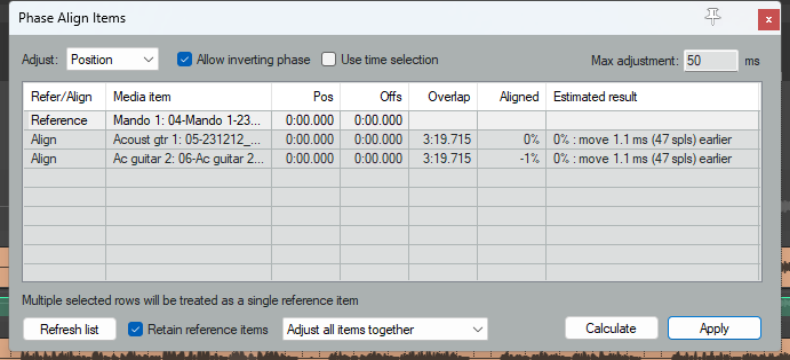
REAPER’s phase alignment tool allows you to compare two or more media items in order to identify and if necessary correct any such issues.
To open this tool, choose Edit, Phase Align Items from REAPER’s main menu.