1.20 REAPER’s Installed Folders and File Location
The locations to which REAPER's various resources are installed will depend on whether you are using OS X or Windows, and even then which version: for example, Windows 11 behaves differently from 7.
Kind: concept (user-guide-section) Chapter: 1 Setting Up and Getting Started Source: REAPER User Guide v7.70
The locations to which REAPER's various resources are installed will depend on whether you are using OS X or Windows, and even then which version: for example, Windows 11 behaves differently from 7. To identify where the various files are located, choose Show
REAPER resource path in explorer/ finder
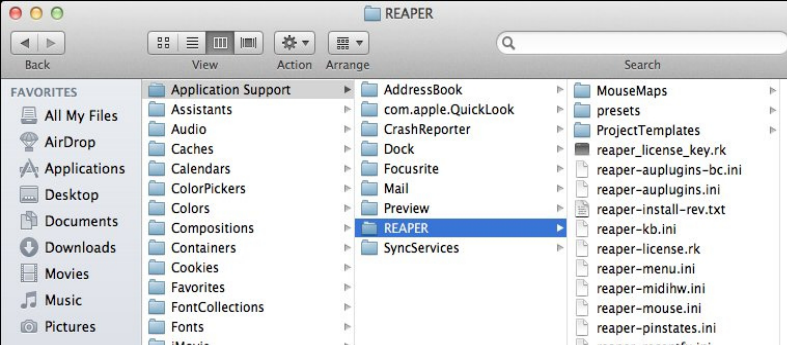
from the Options menu. Shown here is an example of the OSX Finder path. The Windows Explorer display is similar. Several of these files will be referenced elsewhere in this guide. Meanwhile, you might find the following table helpful: