18.28 Automation of FX Parameters
You have already seen how FX parameter envelopes can be created from thee Track Envelope Window or Envelope Manager.
Kind: concept (user-guide-section) Chapter: 18 Automation – Envelopes and More Source: REAPER User Guide v7.70
You have already seen how FX parameter envelopes can be created from thee Track Envelope Window or Envelope Manager. They can also be created from inside the plug-in’s own window.
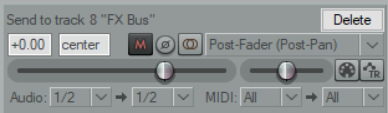
- Click your mouse on the required parameter. 2. Click on the Param button then choose Show track
envelope from the menu. Most FX can be automated in this way, but with some older plug-ins this might not be possible.