2.34 The Big Clock Plus
This section introduces the Big Clock Plus, which can be used to display information about the project on which you are currently working.
Kind: concept (user-guide-section) Chapter: 2 REAPER Project Basics Source: REAPER User Guide v7.70
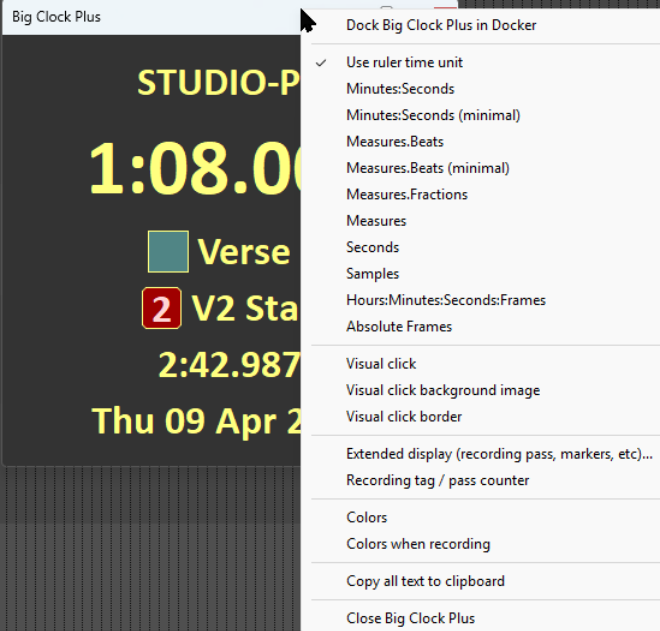
This section introduces the Big Clock Plus, which can be used to display information about the project on which you are currently working. Its basic functionality is quite simple: it also has additional features which might prove to be somewhat complex for a novice user. The View, Big Clock Plus command (Alt C) toggles on/off the display of the Big Clock. This can be resized and moved in the same way as other windows. The clock initially displays only the current edit cursor position. This changes as the song is played. Right click on the clock for a context menu of options. Shown here is the big clock with some options enabled. You can:
Specify units to be used for display. Display a visual click. This can be as a numeric count or by a flashing border, as determined by the time signature. Use wildcards to display information, including, such as, project and/or media item information, date and time, and markers and/or regions. See below. Set and display a recording pass counter and/or Recording tag counter. Specify custom colors for normal text and background display.’ Specify different colors to be used for text and background display when recording. Choose and set a visual click background image, optionally with beat count overlayed.