1.23 Running REAPER on a Flash Drive
You can install REAPER on a USB flash device, or other external drive.
Kind: concept (user-guide-section) Chapter: 1 Setting Up and Getting Started Source: REAPER User Guide v7.70
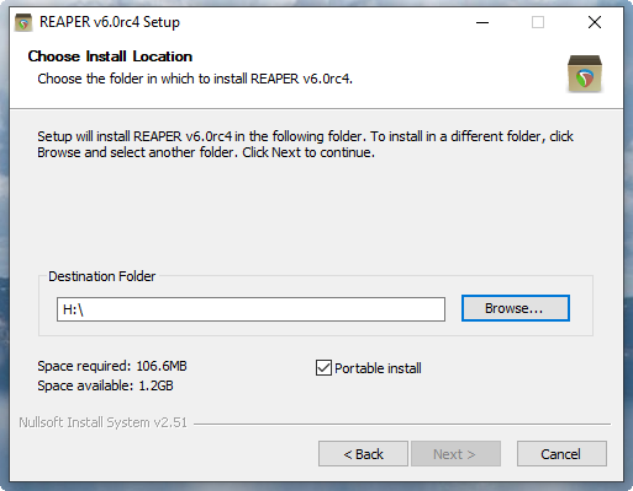
You can install REAPER on a USB flash device, or other external drive. This ensures, for example, that if you are going to be away from home or your normal workplace, you can take your USB Stick (or external drive) with you, plug it in to a computer, and away you go. Before you can install REAPER on a flash drive, it makes sense to first install it on your hard drive. When you then install REAPER to an external device in this way, all your settings, preferences etc. are also migrated. The install method is different for MacOS and Windows users.