12.2 Project Timebase, Time Signature and Related Settings
Basic project settings are initialised and managed in the Project Settings window.
Kind: concept (user-guide-section) Chapter: 12 Managing The Overall Project Source: REAPER User Guide v7.70
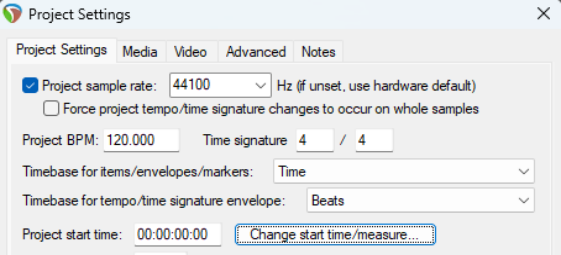
Basic project settings are initialised and managed in the Project Settings window. This can be accessed by pressing Alt Enter. These settings include project BPM, time signature, and timebase. Timebase options are time, beats (position, length, rate) or beats (position only). Options for tempo/time signature envelope are time, beats or time signature beats.tempo.time. Project start time and start time measure can be changed within the project settings dialog, but a simpler method is to use the timeline ruler’s context menu.
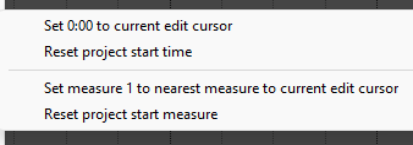
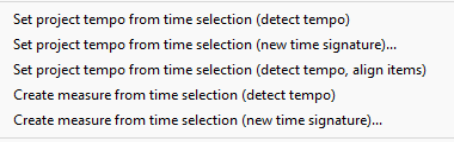
Position the edit cursor at the point where you wish to make the change. Right click on the ruler timeline and choose Change start time/measure from the window. Make your choice from the sub-menu (shown right) to Set 0.00 to current edit cursor, Reset project start time, Set measure 1 to nearest measure to current edit cursor, or Reset project start measure. There are other options on this menu which enable you to set the project tempo or create new measures from a time selection. These commands together with their various options are shown here (right).