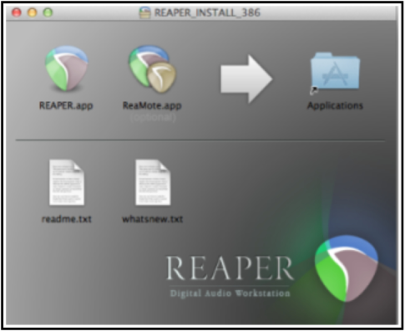
1.1 Downloading REAPER
To download REAPER, visit the download page http://www.cockos.com/reaper/download.php.
Kind: concept (user-guide-section) Chapter: 1 Setting Up and Getting Started Source: REAPER User Guide v7.70
To download REAPER, visit the download page http://www.cockos.com/reaper/download.php. Read the onscreen information carefully (especially about 32 bit and 64-bit) and be sure to select the correct version for your computer. If you keep the program for more than 60 days then you must purchase a license. To purchase your REAPER license, go to http://www.cockos.com/reaper/purchase.php After downloading you will need to install the program. There are differences in the installation process for MacOS (Mac) and for Windows (PC).